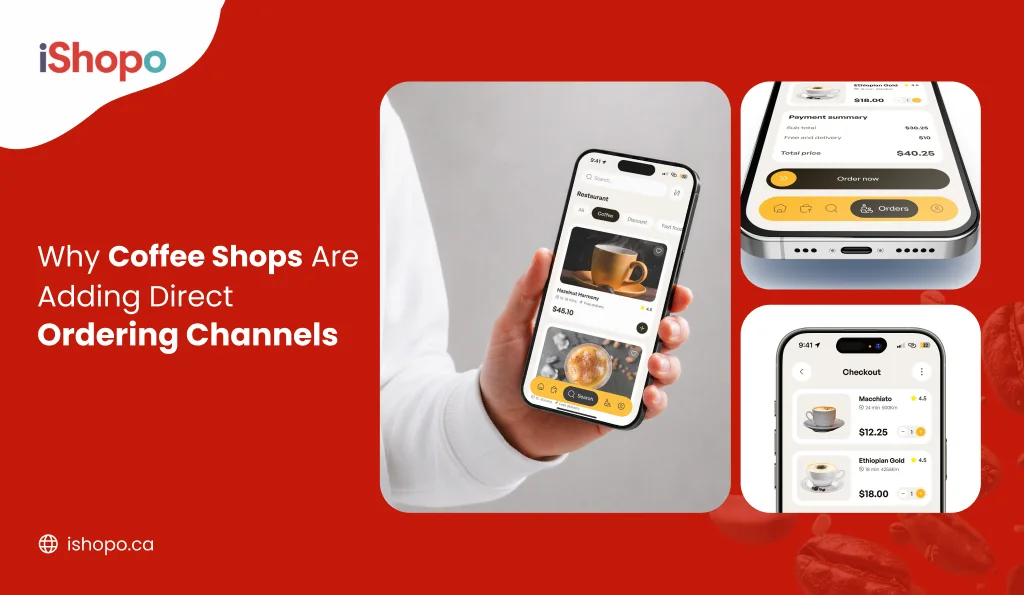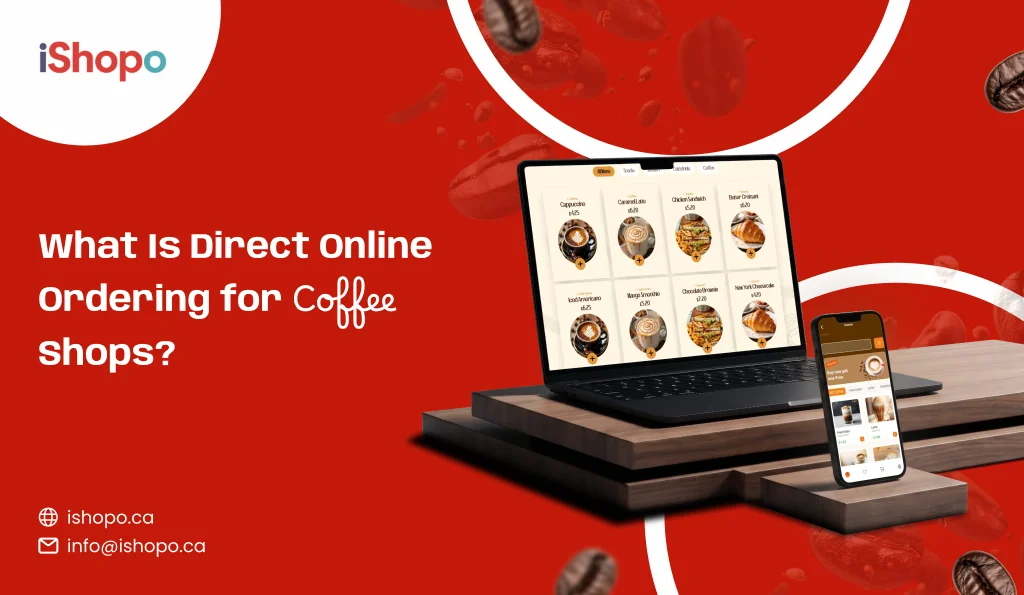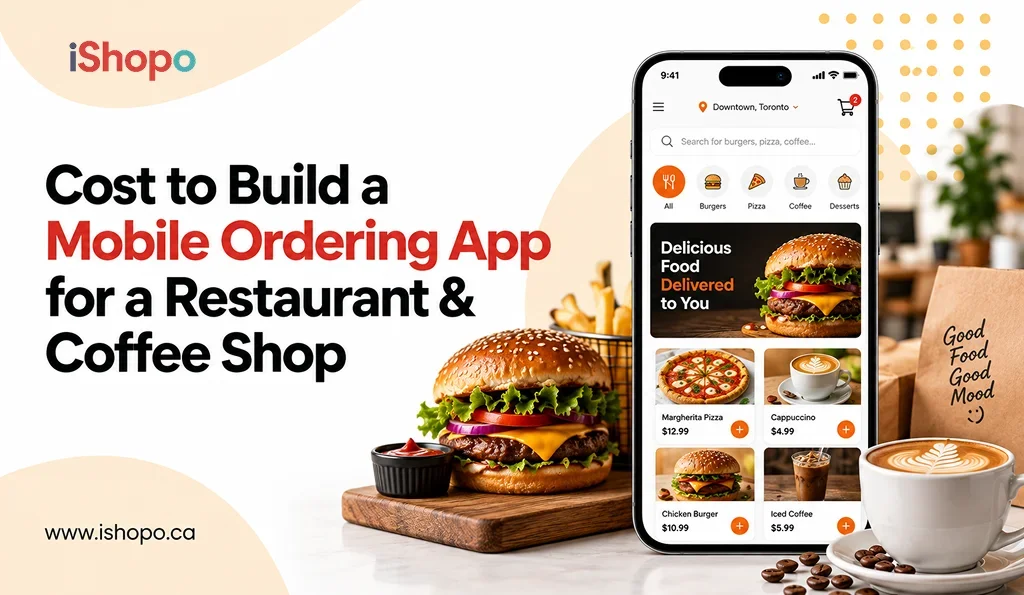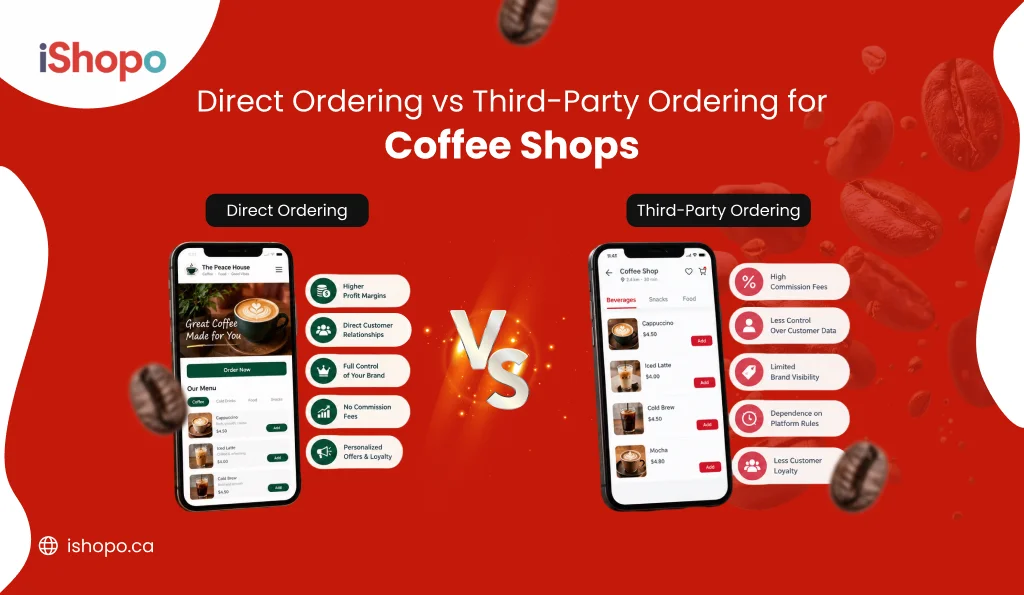

For most coffee shops in Canada, direct ordering is the better way to take online orders. Your regulars order ahead, grab their drink at the counter, and you keep the full price. Apps like SkipTheDishes, Uber Eats, and DoorDash still have a job. It’s a smaller one: delivery, and helping new people find you.
Here’s what the two terms mean. Direct ordering is when customers order from you, on your website, your own app, or a code they scan in your shop. Third-party ordering is when they order through a delivery app, and that app keeps a cut of every sale.
That’s the short answer to the direct ordering vs third party question. The longer answer matters because a coffee shop is not a restaurant. Your orders are small. Most online orders are pickup, not delivery. And a latte that rides in a car for 25 minutes is not the same drink when it gets there. Below is the real math, where each option wins, and a simple plan to move orders over while keeping the reach the apps give you.
Quick Answer
- What it is: Direct ordering means customers order from your own website, app, or scan code. Third-party ordering means they order through a delivery app that keeps a cut of each sale.
- Who it’s for: Small cafés and local coffee chains in Canada that sell lots of small, repeat orders.
- When to use each: Use direct ordering for regulars and pickup. Use delivery apps to reach new people and handle delivery, then win those people over to ordering from you.
TL;DR
- Delivery apps keep 15% to 30% of each delivery order.
- On an $11.50 café order, that can be more than $3 gone before you pay for milk, cups, or staff.
- Most café online orders are pickup from regulars who would walk in anyway.
- Keep the apps for delivery and new customers.
- Move your regulars and pickup orders to your own ordering, where no one takes a cut.
Key Takeaways
- The app’s fee hurts cafés more than restaurants, because coffee orders are small and there’s little left over after costs.
- Pickup orders are the first ones to bring back. No driver is involved, and the customer already knows you.
- When people order from you, you get their name, phone number, and what they like to order. That lets you run your own rewards and deals.
- Delivery apps still make sense for brand-new cafés, shops that sell a lot of food, and cafés near offices or schools.
- Switch slowly, over about three months. Start taking your own orders, add rewards, then check what each option leaves in your pocket.
- Pick a setup that handles drink extras and busy mornings. It should charge a flat monthly price, not a cut of every sale.
Direct Ordering vs Third-Party Ordering Side by Side
Most of these charts are made for sit-down restaurants. This one is made for a café, where a normal order is a drink and maybe a muffin.
| Delivery Apps | Ordering From You | |
| What you pay | A cut of every order, often 15% to 30% on delivery, and a smaller cut on pickup | A flat monthly fee, plus normal card fees |
| Good for a $10 to $15 order? | Not really. The cut eats a big part of a small sale | Yes. The more orders you get, the less each one costs you |
| Pickup orders | You still pay a fee | No fee to the app |
| Drink extras (oat milk, extra shot) | Set up inside the app’s rules | You name them and price them |
| Busy mornings | Orders keep coming in, ready or not | You can slow orders down or pause them |
| Customer details | The app keeps most of them | Names, numbers, and past orders are yours |
| Rewards | Tied to the app’s own rewards | Your own points, punch card, or gift cards |
| Getting found | Lots of app users already looking | You have to tell people about it |
| Delivery | Drivers come with the app | Your own driver, or a delivery company you hire per trip |
The chart looks one-sided, but it’s not the whole story. Apps win on getting found, and for a new café that counts for a lot. But for a shop with regulars, almost every other line points to taking orders yourself.
Why Third-Party Ordering Fees Hurt Coffee Shops More
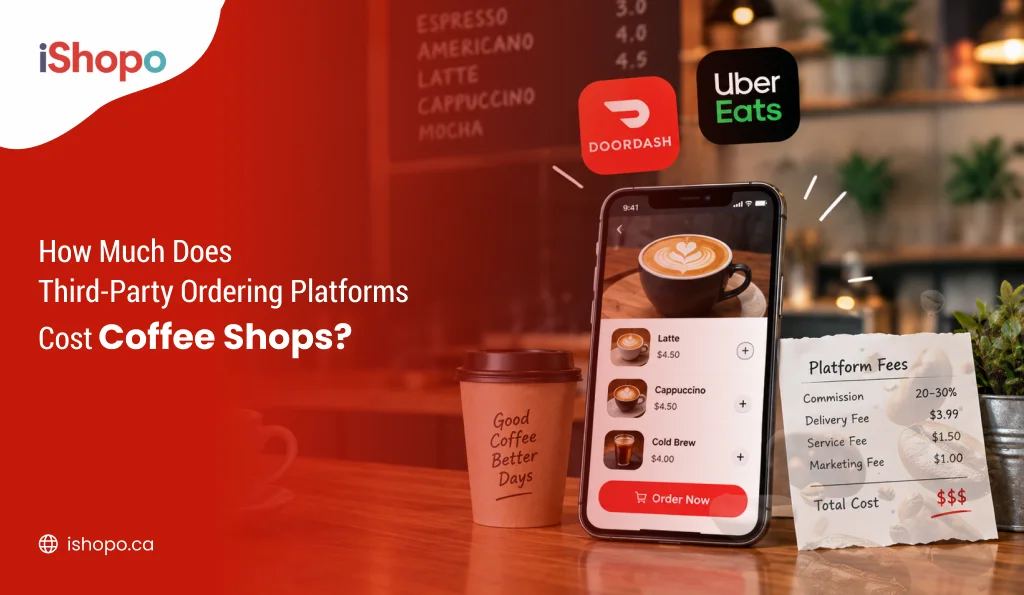
Delivery apps usually keep 15% to 30% of each order. Uber Eats, for example, offers plans at 15%, 25%, and 30% for delivery. The more you pay, the more the app shows you to customers. DoorDash and SkipTheDishes work in a similar way in Canada. Your own deal may be different, so check what you’re paying today before you do the math.
The percentage is the same for a café and a steakhouse. A café just feels it a lot more.
Take a normal café order in Toronto or Calgary. A large oat latte for $6.25 and a blueberry muffin for $5.25. That’s $11.50 before tax. On a 25% plan, the app keeps $2.88. You get $8.62.
Then take out what the order cost you to make. Say $4.00 covers the coffee, milk, muffin, cup, lid, sleeve, and bag. (That’s just an example. Use your own costs.) You’re left with $4.62 to pay for your coffee, your rent, and yourself. On a 30% plan, the app takes $3.45 and you’re down to $4.05.
A restaurant with a $45 dinner order loses more dollars each time. But it has more room to take the hit. A café has to sell a lot of lattes to make up for one slow month.
Stretch that over a year. Say your café gets 25 app orders a day at $11.50 each. That’s about $8,625 a month in app sales. At 25%, about $2,156 of that goes to the app every month. Over a year, that’s about $25,875.
That’s more than many part-time coffees earn in a year. Or a new grinder, every year.
The app’s fee is often not the only cost, either. Depending on your plan, you may also pay card fees. Some apps charge for ads that push you higher in the list. Others add a fee on orders from their paid members.
How Third-Party Ordering Works for a Coffee Shop
A customer opens SkipTheDishes, Uber Eats, or DoorDash, finds your café, and orders. The tablet on your counter beeps. Your coffee makes the drinks. A driver picks them up. The app takes the payment and deals with the customer if something goes wrong. You get paid later, minus the app’s fees.
In some ways, it’s a fair deal. People who have never walked past your shop can find you. You don’t need to hire drivers. On a slow Sunday afternoon, a few extra orders help pay for staff who are already working.
Still, coffee is hard to deliver well.
The foam on a cappuccino starts to sink within minutes. Ice melts and cold brew goes watery. Hot drinks cool down, and in a Canadian January they cool fast. Lids leak when a driver takes a turn too quickly. When the drink shows up lukewarm, the one-star review goes on your page. Not the driver’s.
Price is another problem. A lot of cafés charge more on the apps to cover the app’s share. That means your regular pays $7.50 on the app for the same latte that costs $6.25 at your counter. Some people notice. Others just decide you’re pricey and stop ordering.
How Direct Ordering Works for a Coffee Shop
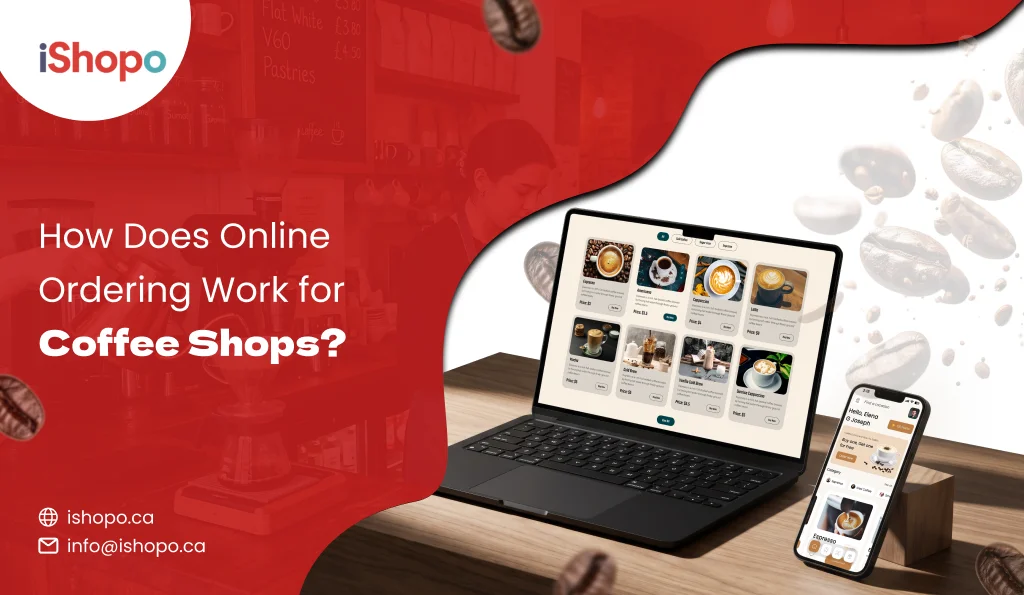
With direct ordering, the customer orders from you. No app sits in the middle. They might tap an order button on your website or open your own app. Or they scan a QR code on your counter. (That’s the square barcode people scan with their phone camera.) The order shows up on the screen your staff already use. The money comes straight to you.
For a café, the most common online order is “order ahead, pick up.” Someone on the bus taps their usual at 7:40. They walk in at 7:55 and their cup is waiting with their name on it. No line, no waiting.
A good setup also handles the small things cafés deal with all day. Oat milk for an extra $0.80. A third shot. Half-sweet vanilla, extra hot. You choose which extras show up and what each one costs.
The morning rush is busy, as well. You can give customers an estimated time for the drinks they ordered, ask them to choose a pickup time, or temporarily stop online orders when the bar is inundated. When it’s 8 a.m. and the line is outside, hitting that pause button can save a morning. On the apps, orders come in whether your staff can keep up or not.
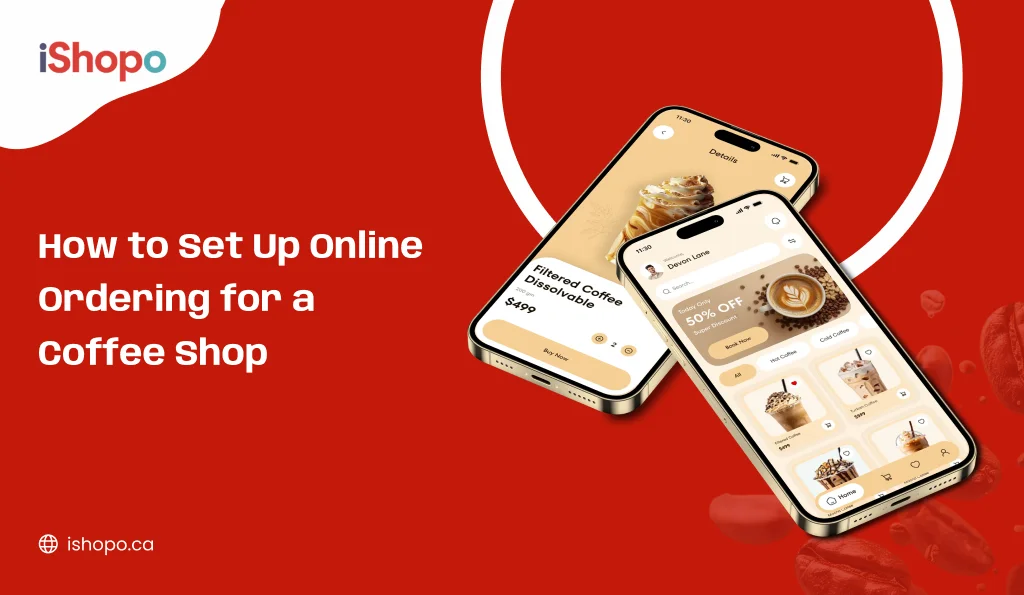
Most cafés start small, with online ordering for cafés that covers website and scan-code orders. Your own app can come later, once your regulars are used to ordering from you.
You can still deliver, too. Use your own driver, or hire a delivery company that sends a driver for each trip. The order still comes from you, not from an app.
Why Pickup Changes the Direct Ordering vs Third-Party Math
Here’s the part most guides skip. At coffee shops, a big share of online orders are pickup. The customer walks through your door anyway.
Think about what you’re paying for. Say a regular who comes in four mornings a week places a pickup order on Uber Eats. The app didn’t find that customer. You did, with your coffee. But the app still charges a fee on every one of those orders. Pickup fees are usually lower than delivery fees. Lower isn’t zero.
Picture ten pickup orders a day at $11.50. Even a low fee on each one is money leaving your till, for a drink that never left your counter.
Moving pickup orders over is the quickest win here. There’s no driver to deal with and no cold drinks. The customer gets the same thing as before: order ahead, skip the line. You just stop paying someone else for it.
A QR code ordering sign by the till and a short link on your receipts are a good first step. Start with the people in line. They’re already standing there, wishing they’d ordered ahead.
Regulars and Rewards: What You Get With Direct Ordering
Coffee shops run on regulars. The person who gets a flat white every weekday is worth more to you over a year than almost any one-time customer.
On a delivery app, that regular belongs to the app. You see an order and a first name. You usually don’t get an email or phone number you can use. You can’t send them a free drink on their birthday or a heads-up when your fall menu comes out. And the app is happy to show them three other cafés on the same screen.
Direct ordering turns that around. Every order tells you who ordered, what they got, and how often they come back. That lets you run rewards that feel like yours. Points on every order. A free drink after nine. A gift card they can send to a friend who just moved nearby.
This matters more in Canada than many owners think. Tim Hortons and Starbucks have taught people to order ahead and collect points on their phones. A small café that still uses a paper stamp card loses that contest every morning, even if its coffee is better.
You don’t need a big-chain budget to catch up. Your own mobile app with your name on it puts your café right next to the big names on a customer’s phone. Even a simple ordering page with rewards gets you most of the way.
When Third-Party Ordering Still Makes Sense for a Café
Delivery apps aren’t the bad guy. For some cafés, quitting them would hurt.
A brand-new café is the clearest case. If nobody knows you yet, being on the app puts you in front of people who are already looking for something to eat or drink. You pay a lot per order. But you’re paying to be found, and that’s worth something when your shop is still quiet.
Cafés that sell a lot of food do better on the apps too. A breakfast sandwich or a box of pastries travels better than a cappuccino. It’s also a bigger order, so the fee stings less.
Where you are matters as well. A café near offices or a school may get big orders, like a box of coffee for a Tuesday meeting. Lots of office staff use whatever app they already order lunch from.
Time is the last piece. Direct ordering only works if you tell people about it. No time for a sign by the till or a quick word from staff? Then the app will keep bringing in orders your own setup won’t.
For most cafés, that means keeping the apps for delivery and new faces, and moving everyone else to ordering from you.
A Simple Plan to Move Café Customers to Direct Ordering
You don’t need to quit the apps on day one. A slow switch works better, and your sales stay steady while customers get used to it.
Month 1: Set It Up and Let People See It
Begin using your pickup orders on your website with a scan code. Place your order URL on your Google listing, your website, and your Instagram bio. Place a scan-code display at the cash register and at each table. Train a cashier line for people waiting in line: Next time just scan this and order ahead. You’ll skip the line.” Keep the apps running like normal.
Month 2: Give People a Reason to Switch
Start rewards for people who order from you. Free drink after 4 orders? Counter easy to justify Print your order link on receipts and cup sleeves Thinking of inserting a card into app delivery bags? Read your app agreement first. Some apps limit what you can put in with their orders.
Month 3: Check What You Actually Keep
Compare the apps and your own ordering by what ends up in your pocket, not just total sales. Look at sales, fees, how often people come back, and what you make on each order. Has most of your pickup business moved over? Then look at a cheaper app plan that still lists you for delivery.
You’re not aiming for zero app orders. You just want to stop paying the app for customers it didn’t bring you.
Choosing a Direct Ordering Setup for Your Coffee Shop
Not every ordering setup is made for coffee. One built for pizza shops might handle “large, extra cheese” fine, then get stuck on “medium, oat, half-sweet, extra hot, two shots.” Before you pick one, make sure it can do these things:
- Let you add drink extras and set their prices, like milk swaps, extra shots, syrups, and sizes
- Let customers order ahead and pick a pickup time, and let you pause orders when it’s busy
- Work right in the phone’s web browser, so customers don’t have to download anything
- Send orders to the same screen or till your coffees already use
- Give you rewards, gift cards, and customer contact details you can use to bring people back
- Show prices in Canadian dollars and add GST or HST at checkout
- Charge a flat monthly price, not a cut of every sale
If a setup does everything on this list but still takes a cut of each sale, you’ve just swapped one middleman for another.
Where iShopo Fits
iShopo is an online ordering service for Canadian restaurants, cafés, and coffee shops that takes no cut of your orders. It helps local cafés take order-ahead pickup, scan-code, and delivery orders under their own name. Best for: one-location cafés, small coffee chains, and bakery-cafés that want to stop paying app fees and keep their regulars.
iShopo charges a flat monthly fee for each location and keeps $0 from the orders you take. Customers can order from a web page or by scanning a code, with nothing to download. When your regulars want more, you can add a coffee shop ordering app with your logo and colours on it.
On some plans, iShopo connects with Square, Toast, Clover, and Lightspeed, so your menu, prices, and stock stay up to date in both places. Rewards and gift cards come with the higher plans, along with messages that bring customers back. Once your menu and logo are ready, your ordering page can go live fast.
One honest limit: iShopo won’t bring you new customers on its own. It gives you a way to take orders and tools to keep people coming back. You still have to point people to it. Signs and receipts help, and so do your staff. For a café with regulars, that’s a small job. For a brand-new shop with few walk-ins, keep the app running while you build up your crowd.
Final Take
For a coffee shop, the direct ordering vs third party choice comes down to one question: who found the customer? If the app brought them in, paying the app makes sense. If it’s your regular picking up their usual, it isn’t. Keep the apps for delivery and new faces, and take every other order yourself. See iShopo’s no-commission plans and start a free trial to set up pickup ordering for your café.
FAQs
Is direct ordering cheaper than SkipTheDishes or Uber Eats for a coffee shop?
Yes, for most cafés with steady regulars. Direct ordering usually costs a flat monthly fee plus normal card fees, while the apps take a cut of every order. On small café orders, that cut adds up fast. A handful of online orders a day is often enough to cover the cost of your own setup.
Can I keep the delivery apps and take my own orders at the same time?
Yes, and most cafés should at first. Use the apps for delivery and new customers. Send your regulars and pickup orders to your own ordering. Once more people order from you, look at a cheaper app plan.
Do coffee customers really order ahead online?
They do, especially on weekday mornings. The big chain apps have made ordering coffee ahead normal in Canada. If your regulars already use the Tim Hortons or Starbucks app, they know how it works. You’re giving them the same option at your café.
Can a café deliver without hiring its own drivers?
Yes. Many ordering setups can call a driver from a delivery company for each order, while the order still comes from you. You may pay a fee for each trip, but you don’t hand over a share of the whole order. Check which delivery companies work in your city.
How long does it take to start taking my own orders?
Website and scan-code ordering can often be ready in a day or two, once your menu, photos, and logo are set. Your own app takes longer, mostly because Apple and Google need to approve it. The bigger job is telling customers, so give yourself a few weeks to move your regulars over.