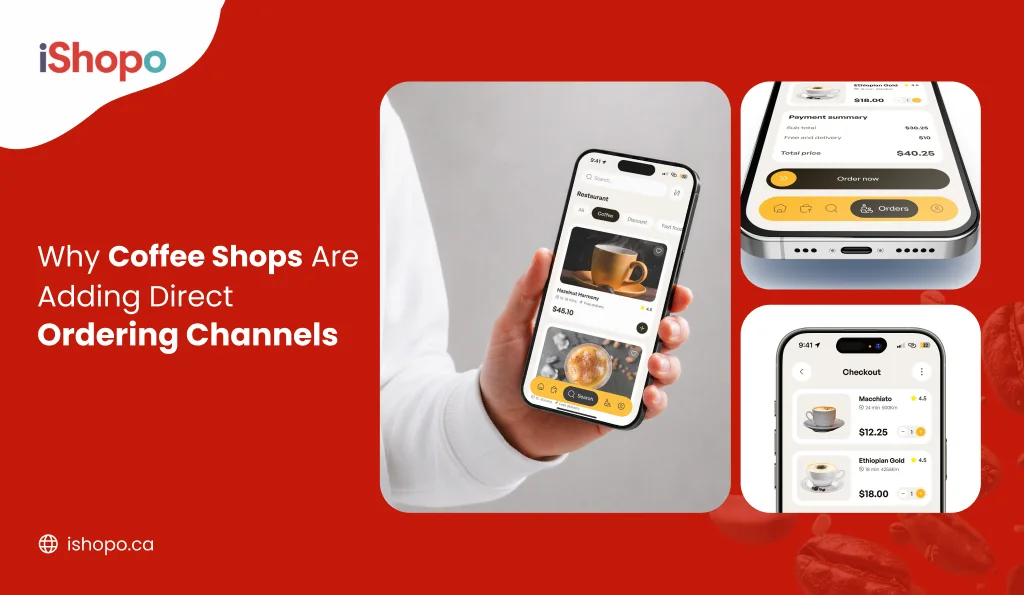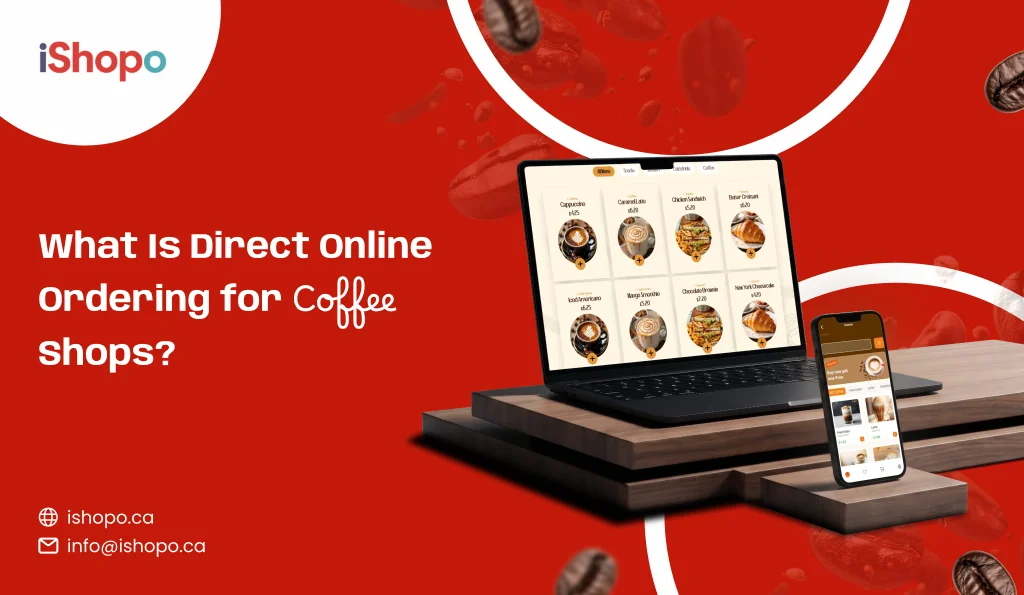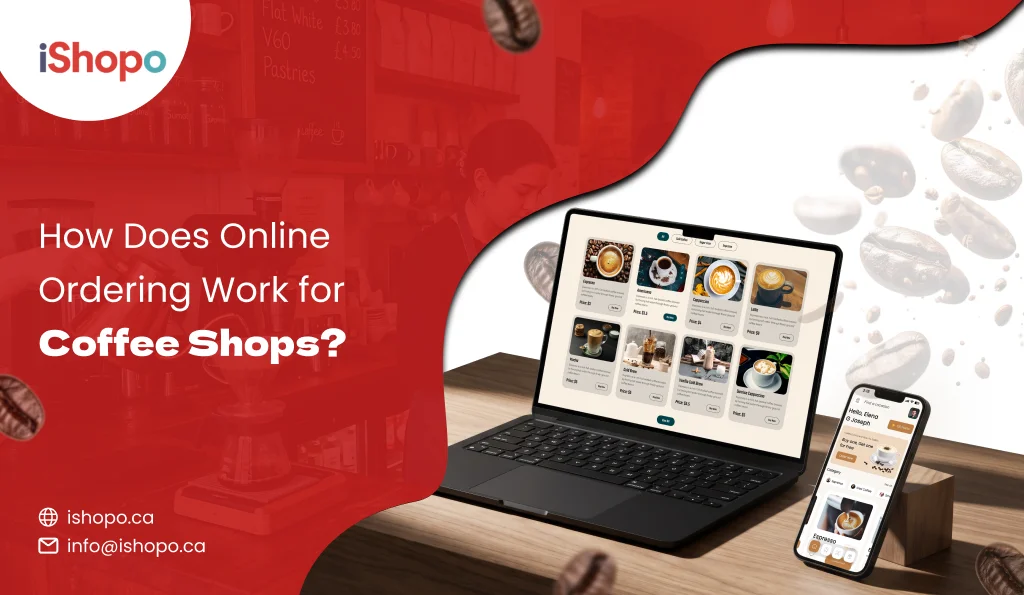

Online ordering for a coffee shop works like this. A customer opens your menu on their phone, picks a drink, sets it up the way they like it, and pays. The order pops up on a screen at your counter. Your coffee makes it, the customer gets a text when it’s ready, and they walk in, grab it, and leave.
No line. No waiting at the till.
That’s the core of coffee shop online ordering. It sounds simple, and for the customer it is. On your side, there’s more going on.
Think about who’s in your line right now. Someone with a meeting in ten minutes. A parent with a stroller. An office worker picked up six drinks for the team. All of them would rather order from their phone than wait behind each other. And your rush isn’t only at 8 a.m. anymore. Canadians are most likely to visit a coffee shop around noon, and that plain brewed coffee is still the top pick for 42% of people surveyed. So the busy hours are spread out, and most orders are small and quick.
That’s where online ordering earns its keep. Orders come in ahead of time, your team makes them in a steady flow, and the people at the counter move faster too.
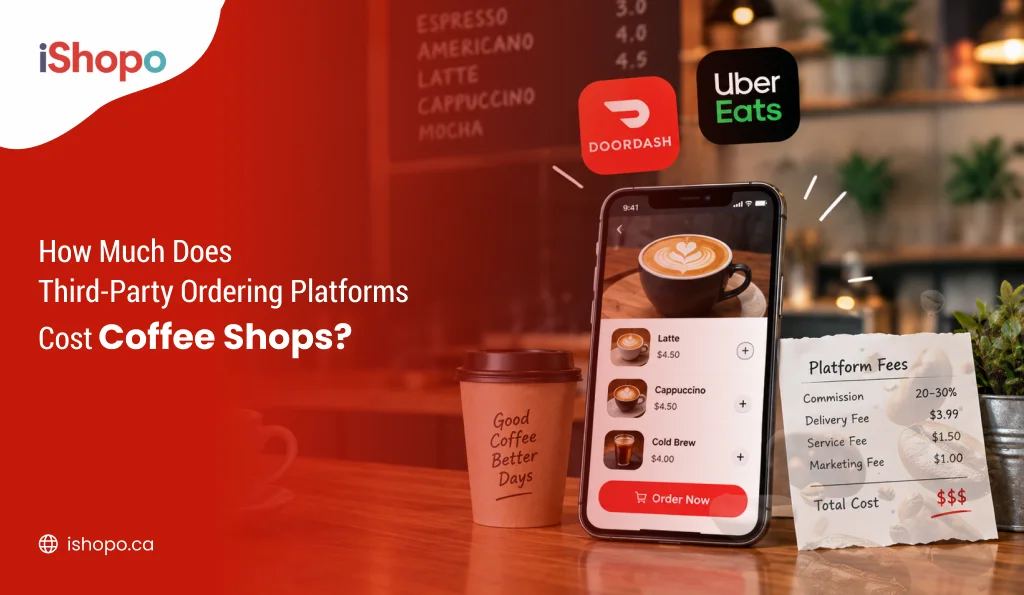
Still, the details decide whether it makes you money or quietly eats into it. Where does the order come from? Who takes a cut? Does it fit your busiest hours, or clog them? A delivery app might take $1.50 from a $6 latte. Your own ordering page might take nothing. Across a year of daily lattes, that gap turns into real money.
This guide covers each step in plain words, with real Canadian costs, so you can pick what fits your café.
Quick Answer
- What it is: A way for customers to order and pay for coffee from their phone or computer before they get to your shop.
- Who it’s for: Independent cafés and small coffee chains across Canada that want shorter lines and more sales from regulars.
- When to use it: When mornings get busy, when regulars ask to order ahead, or when delivery apps are taking too big a slice of each sale.
TL;DR
- Coffee shop online ordering lets customers order and pay on their phone before they arrive.
- The order shows up at your counter, your coffee makes it, and the customer picks it up without waiting in line.
- In Canada, DoorDash, Uber Eats, and SkipTheDishes usually take 15% to 30% of each order, which hurts small coffee sales.
- Your own commission-free ordering page or app lets you keep close to the full price of every cup.
Key Takeaways
- Customers order, customize, and pay online. You get the order on a screen at your counter and make it when they’re due to arrive.
- Coffee orders have lots of small choices, like milk, size, and extra shots. Your online menu needs to handle them and charge for add-ons.
- Order-ahead with a pickup time spreads out your busy hours, so walk-in customers wait less too.
- A delivery app can take $1.50 or more from a $6 latte. Your own system charges a flat fee instead.
- Delivery apps help new people find you. Your own ordering page is the better home for regulars.
- Start with a short menu, set a pickup spot, and tell your regulars the day you go live.
What Is Coffee Shop Online Ordering?
Coffee shop online ordering means taking drink and food orders through the internet, not only at the counter. The customer does the ordering. You do the making.
It can happen on your own website, in your own app, through a QR code on a table, or on a delivery app like SkipTheDishes. Each one works a bit differently. Each one also costs you a different amount, which we’ll get to.
For most cafés, the big win is simple. A customer who orders ahead doesn’t stand in line. That frees up your counter for walk-ins, and it lets you serve more people between 7 and 9 a.m. without adding another coffee.
How Coffee Shop Online Ordering Works From Start to Finish
Here’s what happens from the moment a customer taps “order” to their first sip.
1. Your Customer Picks a Drink and Makes It Their Own
The customer opens your online menu. They see your drinks, prices, and photos. Then they choose a size, pick a milk, add an extra shot, or ask for half the syrup.
This part matters more for coffee than for almost any other food business. A latte isn’t one item. It’s a stack of small choices, and a good menu lets the customer make all of them without typing notes like “pls make it extra hot.”
2. They Pay Before They Walk In
Payment happens online, by card or with a phone wallet like Apple Pay or Google Pay. The money goes through before you start making anything.
That one detail fixes a real headache. No more drinks going cold on the counter because someone ordered and never showed up.
3. The Order Shows Up on a Screen at Your Counter
Once the order is paid, it lands at your shop. Usually that’s a tablet near the espresso machine, or the same till you already use it for walk-in sales. Some shops also print a small sticker for the cup.
Your staff sees the customer’s name, the drink, and every change they asked for. Nobody has to squint at a phone or guess at messy handwriting.
4. Your Coffee Makes It and the Customer Gets a Text
The coffee makes the drink like any other order. When it’s done, they tap a button, and the customer gets a text or app alert saying it’s ready.
Timing is the tricky bit. Too early, and the foam goes flat. Too late, and the customer ends up standing around, which is the exact thing they ordered ahead to avoid. Systems that let customers pick a pickup time help your team start each drink at the right moment.
5. They Grab It, or You Bring It to Their Car or Door
Most coffee orders end with a pickup. The customer walks in, finds their name on a shelf, and heads out.
Some cafés add curbside pickup, which customers love on a minus 30 morning in Winnipeg. Others offer delivery, either with their own driver or through a delivery app. Delivery works well for big office orders. For one flat white, the numbers are much harder to make work.
Where Your Customers Can Place an Order
There are four main ways customers can order from you online. You don’t need all of them. Most cafés start with one or two.
1. On Your Own Website
This is the easiest place to start. You add an “Order Online” button to your website, and customers order from your menu, under your name, on your page.
You also keep the customer’s details. So when your maple latte comes back in the fall, you can tell the people who ordered it last year. A delivery app won’t let you do that.
2. Through Your Own Coffee Shop App
A branded app is an app with your café’s name and logo that customers download to their phone. It sits on their home screen next to everything else they use daily.
Apps work best for shops with lots of regulars. People can save their usual order and reorder in a couple of taps. Big chains like Tim Hortons and Starbucks built their morning business this way. A small café can now offer the same thing without a tech team.
3. By Scanning a QR Code in Your Café
A QR code is the small square code people scan with their phone camera. Put one on each table, and customers can order a second cup without getting up.
This suits sit-down cafés where people stay a while. For a grab-and-go counter with no seats, it adds little.
4. On DoorDash, Uber Eats, or SkipTheDishes
Delivery apps put your café in front of people who have never heard of you. That reach is real, and SkipTheDishes in particular has a big Canadian following, especially out west.
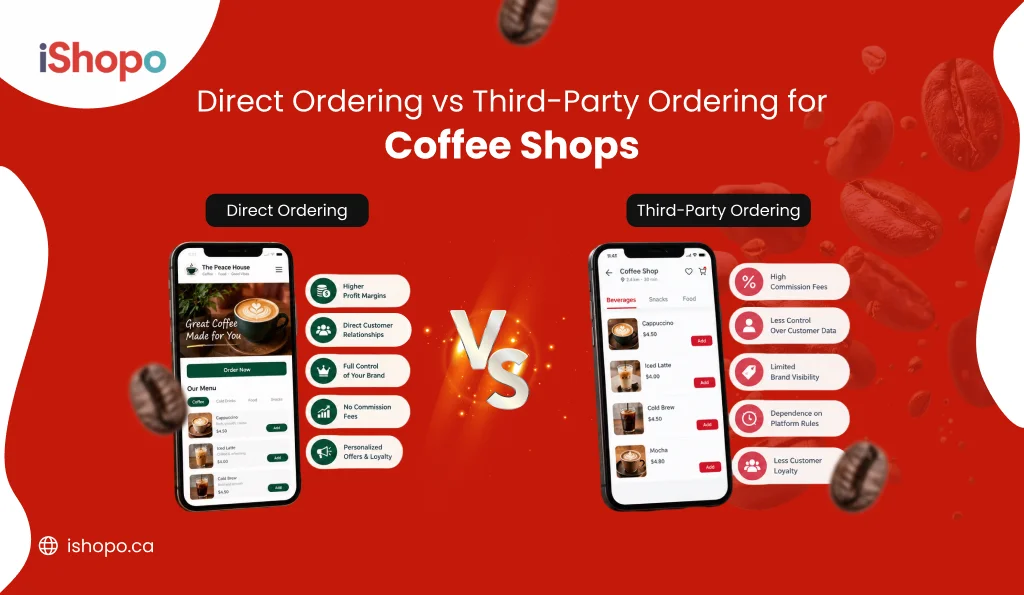
The trade-off is cost. These apps take a share of every order, and the customer belongs to the app, not to you. The cost section below shows why that matters so much for coffee.
Why Ordering Coffee Online Isn’t Like Ordering a Pizza
Most restaurant ordering tools are built for meals. Coffee is a different business. A system that ignores that will frustrate your customers and your staff.
1. Every Cup Is a Little Different (Oat Milk, Extra Shot, Less Sugar)
A pizza order might have three or four choices. A single coffee can have more than that before anyone adds a muffin: size, milk, shots, syrup, temperature, and a name for the cup.
If your online menu can’t show these choices clearly, customers either give up or leave a note your coffee has to guess at. Charge for add-ons online, too. Oat milk and extra shots cost you money, so the menu should add them to the price automatically.
2. The Morning Rush Needs Orders Placed Ahead of Time
Most coffee shops make a big chunk of their sales in a few busy hours. If 30 online orders land at 8:05 a.m., your bar backs up and walk-ins wait longer.
Ordering ahead with a set pickup time spreads the work out. A customer can order at 7:40 and ask for it at 8:15. It also helps to have a way to pause online orders for 15 minutes when the bar is slammed. That one switch can save a rough morning.
3. Lots of Small Orders, All Day Long
A coffee order is often under $10. A family dinner order might be $60 or more.
That gap changes the math. A $2 fee on a $60 dinner is easy to absorb. The same $2 on a $5 latte is 40% of the sale. So coffee shops have to look hard at what each ordering channel costs them.
What Coffee Shop Online Ordering Costs in Canada
There are two main ways to pay for online ordering. You give a delivery app a share of every sale, or you pay a set monthly fee for your own system and keep the rest.
How Much a Delivery App Takes From a $6 Latte
In Canada, DoorDash, Uber Eats, and SkipTheDishes usually charge between 15% and 30% of each order. The rate depends on the plan you pick. Cheaper plans often mean your shop shows up lower in the app.
Here’s what that looks like on one drink, in Canadian dollars:
| Order | App’s cut | App takes | You keep |
| $6.00 latte | 15% | $0.90 | $5.10 |
| $6.00 latte | 25% | $1.50 | $4.50 |
| $6.00 latte | 30% | $1.80 | $4.20 |
And the coffee, milk, cup, lid, and staff time all come out of what’s left.
Now scale it up. Say your café takes $4,000 a month in app orders. At 25%, that’s $1,000 a month to the app, or $12,000 a year. For a small shop, that’s the gap between a good year and a tight one. Some apps also add card fees or paid ads on top.
What You Keep When You Take Orders Yourself
With your own commission-free ordering system, you pay a set monthly fee instead of a percentage. Customers still pay by card, so there’s a small card processing fee. But you pay that on every card sale anyway, online or at the counter.
On that same $6 latte, you keep close to the full $6. On $4,000 a month in orders, that adds up to hundreds of dollars back every month.
There’s a catch worth being honest about. Your own ordering page won’t bring in strangers the way a delivery app can. People need to know about you first. That’s why many cafés use both. They keep a delivery app listing to get found, then move regulars to their own ordering page, where each sale costs far less.
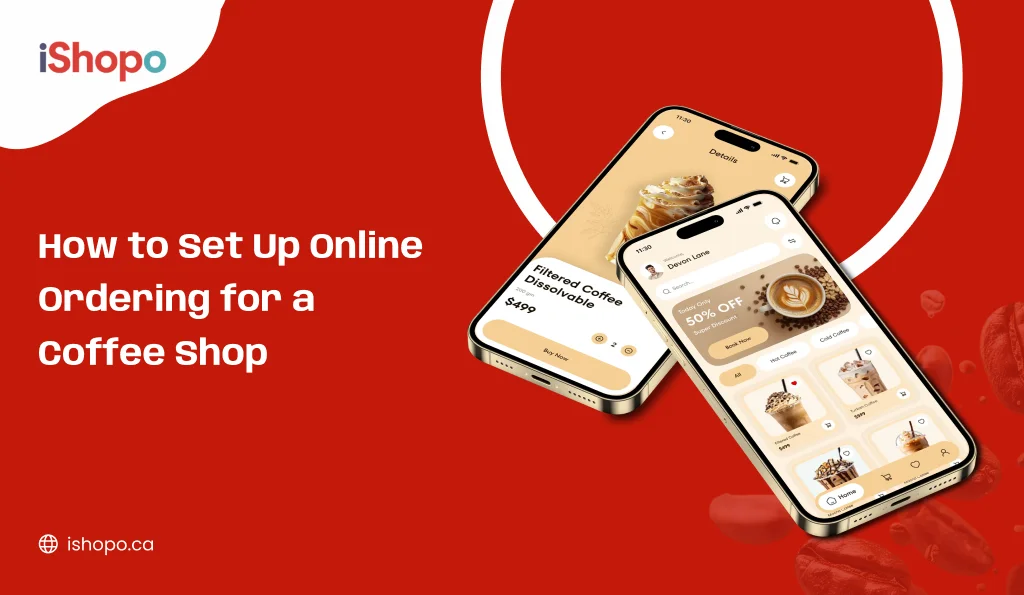
How to Start Taking Orders Online at Your Coffee Shop
You don’t need to be good with computers to set this up. Most cafés can do it without hiring anyone. Here’s a sensible order to follow.
1. Put Your Menu Online the Right Way
Start with the drinks people buy most. You don’t need every seasonal special on day one.
For each drink, add the choices customers care about, like sizes, milks, extra shots, and syrups. Give each add-on a price. Use real photos if you have them. A photo of your own latte beats a stock picture every time.
Keep names easy to understand. “London Fog” is fine because people know it. “The Morning Hug” needs a short line under it saying what’s inside.
2. Set Up Card Payments
Your ordering system connects to a payment provider so customers can pay by card, Apple Pay, or Google Pay. If you already take cards at the counter with Square or Clover, check whether your new system links to it. Then online and in-store sales show up in one place.
3. Show Your Staff How Pickup Orders Work
Run a few test orders before you go live. Have a staff member order a drink from their phone while the rest of the team watches what happens at the counter.
Then settle a few questions together. Where do finished online orders go? Who makes them when the bar is busy? What happens if a customer shows up and the drink isn’t ready? Small answers now prevent a lot of mix-ups later.
4. Let Your Regulars Know
Your first online customers are already standing in your shop. Tell them.
Put a small sign by the till. Add a QR code to your cup sleeves. Post about it on Instagram and on your Google Business Profile. Some cafés give a free extra shot on the first online order to get people to try it.
What a Good Ordering System Should Do for Your Café
Not every ordering tool is built with coffee in mind. Before you sign up, check that it can:
- Let customers pick sizes, milks, shots, and syrups, with prices that add up on their own
- Let customers choose a pickup time, not only “as soon as possible”
- Let you pause online orders for a few minutes when the bar is backed up
- Send a text or alert when the order is ready
- Work with the till you already use, so nobody enters sales twice
- Charge a set fee, not a cut of every order
- Show your café’s name and logo, not someone else’s
- Let you see who your customers are and what they order most
If a system is missing the pickup time or the pause button, think twice. Those two matter most when the line is out the door.
Mistakes Coffee Shop Owners Make When They Start
Most of these are easy to avoid once you know them. Here are the ones that trip up cafés most often in the first few months.
1. Putting the Whole Menu Online on Day One
Forty items with no photos and fancy names is hard to scroll through on a phone. Customers get lost and close the page.
Start with the drinks and snacks people buy most. Add the rest once you see what sells online.
2. Not Planning Where Online Orders Go
When finished drinks sit mixed in with walk-in orders, people grab the wrong cup. Then you’re remaking a drink and apologizing to two customers instead of one.
A small shelf with a clear “Online Orders” sign fixes this in the afternoon.
3. Forgetting to Charge for Add-Ons
If oat milk is 75 cents at the counter, it should be 75 cents online. Same for extra shots and syrups. Skip this, and you lose money on every custom drink without noticing.
4. Paying Delivery App Fees on Your Regulars
Someone who comes in every morning doesn’t need an app to find you. But if they order through DoorDash or SkipTheDishes, you could be paying 25% on their daily latte.
That adds up fast for a customer you already had. Point your regulars to your own ordering page instead.
5. Going Live Without Telling Anyone
Plenty of shops set up online ordering and then wait for orders that never come. People can’t use what they don’t know about.
A sign by the till, a QR code on your cup sleeves, and a quick Instagram post go further than you’d think.
How iShopo Helps Coffee Shops Take Orders Online
iShopo is a commission-free online ordering system for coffee shops, cafés, and restaurants that helps them take orders through their own website and branded app. Best for: independent Canadian cafés and small coffee chains that want to stop handing a share of every sale to delivery apps.
iShopo was built for the problem this guide keeps coming back to. Too many cafés give 15% to 30% of their online sales to apps, on orders from people who would have bought from them anyway.
With iShopo, customers order from a menu with your logo and your name on it, either on your website or in your own app. They pay online before they arrive, so there are no drinks left waiting for someone who never shows.
Orders come straight to your counter. iShopo works with tills many Canadian cafés already use, including Square, Clover, and Toast. Your team doesn’t have to type orders in twice or watch an extra screen.
You pay a flat fee, not a commission. That $1.50 a delivery app might take from a $6 latte stays with you. You also keep your customer list, so you know who orders, what they like, and how to reach them again.
One honest note. iShopo won’t put your shop in front of strangers the way a big delivery app can. It’s built to help you earn more from the people who already know you. For most coffee shops, that’s where the steady money is anyway. Your regulars are the ones buying a latte five mornings a week.
Final Thoughts
Coffee shop online ordering is simple once you see the steps: the customer orders and pays on their phone, your team makes the drink, and the customer picks it up without waiting in line. The real decision is where those orders come from and how much of each sale you’re willing to give away. Delivery apps help people find you, but your own system helps you keep what you earn. If you’re ready to take orders under your own name and stop paying commission on your regulars’ morning coffee, book a free demo with iShopo and see how it works for your café.
FAQs
How long does it take to start taking orders online?
It mostly depends on the size of your menu. A café with a short menu and a few add-ons can get set up fast. The slowest part is usually entering every drink and add-on price, then running test orders with your staff.
Can my customers order ahead and skip the line?
Yes. That’s the main reason most coffee shops start taking orders online. The customer pays on their phone, gets a text when the drink is ready, and walks straight to the pickup spot.
Do I need an app, or is a website enough?
A website is enough to start. Customers don’t have to download anything, so it’s the easiest way to get going. An app makes more sense once you have lots of regulars, since they can save their usual drink and reorder in seconds.
Is online ordering worth it for a small café?
For most small cafés, yes. It shortens the morning line and lets you serve more people with the same staff. Using your own commission-free system, not only a delivery app, keeps more of each sale in your pocket.
How do I stop paying fees on every coffee I sell?
Move your regular customers to your own ordering page or app. SkipTheDishes, Uber Eats, and DoorDash charge a percentage of every order, while a commission-free system charges a flat fee. You’ll still pay normal card fees, but you won’t give away a share of each sale.